
GitHub Pull Request Digest for Slack: A Daily PR Recap That Covers Every Repo
Get a daily GitHub pull request digest in Slack: one scheduled recap of every PR waiting on your review across all your repositories, not just five.
Notifications tell you a pull request changed. A digest tells you what still needs you. Those are different jobs. If your day starts by scrolling back through a stream of one-off Slack pings to work out which reviews are actually waiting on you, what you want is a single scheduled recap: one message, every open pull request on your plate, at a time you pick.
This post walks through the options for a GitHub pull request digest in Slack, from GitHub's own scheduled reminders to Zapier to dedicated tools, and where each one fits.
What a PR digest actually is
A digest is a scheduled summary, not a live feed. Instead of a notification per event (review requested, comment added, check failed), you get one message at a set time that lists the pull requests still open and waiting on you. The value is in the framing: it is a to-do list, ordered around a person, delivered when you can act on it.
Most teams want the digest keyed to a person: every PR assigned to me or requesting my review, wherever it lives. That is the detail the options below get right or wrong.
Option 1: GitHub's native scheduled reminders
GitHub ships a built-in scheduled reminder that posts open pull requests to Slack at times you choose. It is the fastest thing to turn on if you already use the GitHub Slack integration, and for a single busy repository it is fine. The setup steps, the personal versus team split, and the constraints are covered in our guide to GitHub scheduled reminders.
The catch for a digest use case: each reminder is capped at five repositories, and it is repository-first rather than person-first. The moment your review load spans more than five repos, you are hand-maintaining several reminder configs to approximate one list.
Option 2: Zapier or a custom script
You can wire a digest yourself. Zapier can bundle new pull requests and post them to a Slack channel on a daily or weekly schedule, and a small GitHub Action plus a Slack webhook can do the same. Both give you full control over formatting.
The tradeoff is that you own it. Filtering (drafts, stale PRs, labels), per-person routing, and timezone handling are all yours to build and maintain, and a channel-level digest is not the same as "the PRs waiting on me specifically."
Option 3: GitNotifier's PR Review Digest
GitNotifier sends a scheduled Slack digest that queries by person, not by repository. It pulls everything assigned to you (assignee:@me) and everything requesting your review (review-requested:@me) across every repository you can see. There is no five-repo cap to work around.
The digest header reads ⏰ Your PR Review Digest and adds the parts a raw list leaves out:
- Up to four digest times per day, with daily, weekdays, or weekly-Monday cadence.
- Stale flagging: pull requests with no activity for 24 hours are marked, so you see what is rotting.
- Draft exclusion by default, so work-in-progress does not clutter the list.
- Author mentions: PR authors who are also in your Slack workspace get an @-mention, so a nudge reaches a real person.
- An inline Merge button for pull requests that are clean and mergeable.
- An optional section for your own PRs awaiting external review, so you can chase reviewers too.
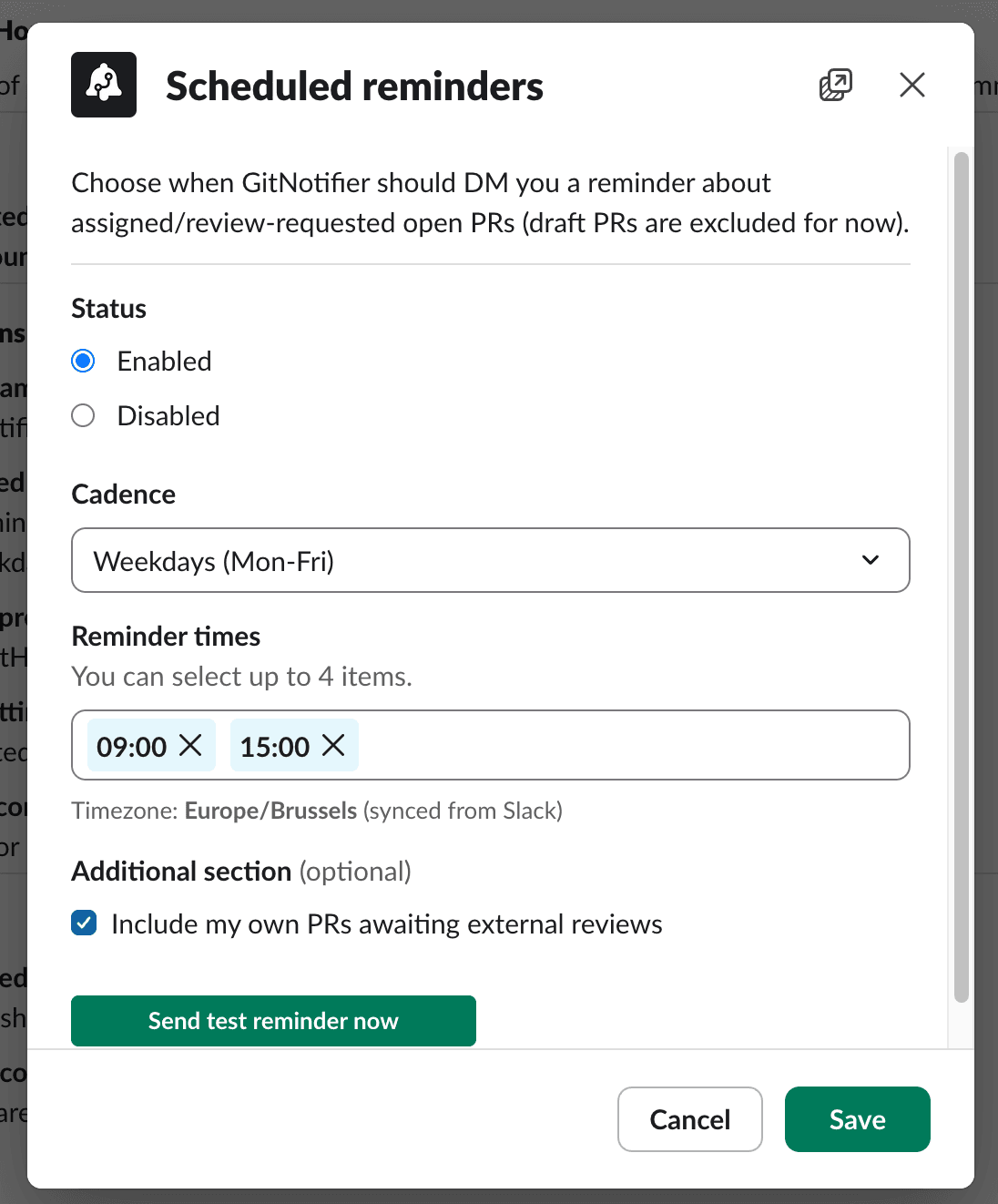
Setup is a Slack modal, not a menu dive. Open the GitNotifier App Home, click Configure reminders, pick your cadence and up to four times, and send a test. Your timezone is synced from your Slack profile automatically. Full steps are in the GitHub PR notifications for Slack guide.
Which digest should you use?
- One or two repositories, already on the GitHub Slack app: the native scheduled reminder is enough.
- You like building and owning the plumbing: Zapier or a GitHub Action gives you a channel digest you fully control.
- Review load spread across many repos, and you want "waiting on me": a person-centric digest like GitNotifier avoids the five-repo cap and the config juggling.
Frequently asked questions
What is a GitHub pull request digest?
A pull request digest is a single scheduled message that lists the open pull requests you still need to act on, instead of a stream of one-off notifications. A daily digest in Slack lets you review everything waiting on you at a set time, such as every morning, in one place.
Can I get a daily digest of GitHub pull requests in Slack?
Yes. GitHub has a built-in scheduled reminder that posts open pull requests to Slack, but it is limited to five repositories per reminder. GitNotifier sends a person-centric daily digest that covers every repository you can see, up to four times a day, from a single Slack setup.
How is a digest different from GitHub scheduled reminders?
GitHub's scheduled reminders are repository-first: you pick up to five repositories per reminder. A person-first digest queries by you instead, pulling every pull request assigned to you or requesting your review across all repositories, so nothing waiting on you is left out.
How do I set up a GitHub PR digest in Slack with GitNotifier?
Open the GitNotifier App Home in Slack, click Configure reminders, choose your cadence and up to four times a day, and send a test. Your timezone syncs from your Slack profile automatically, so the digest arrives when you expect it.
Get one PR digest across every repo
A good digest turns a noisy notification stream into a short, scheduled to-do list. GitNotifier gives you one person-centric PR digest across every repository, up to four times a day, from a single Slack setup.
Read more
View all articlesHow to Set Up GitHub Scheduled Reminders (and Where They Fall Short)
Set up GitHub scheduled reminders for pull request reviews in Slack, personal and team, then see the five-repo limit and a better daily digest.
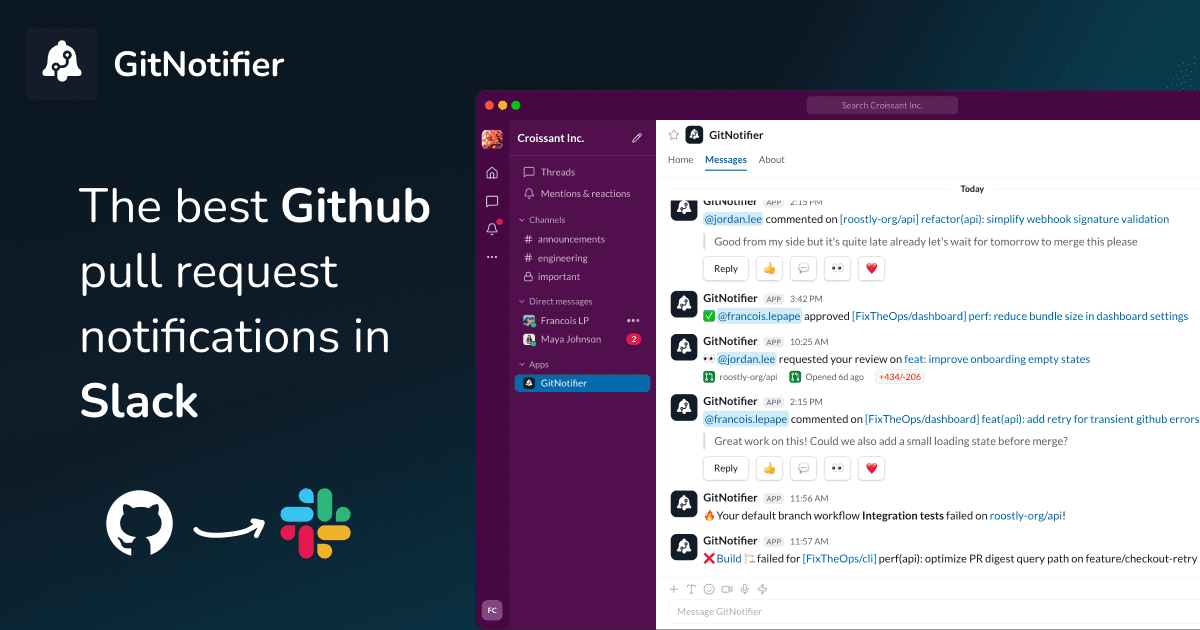
Slack Notifications for GitHub: Every Option Compared (2026)
Compare every way to get Slack notifications for GitHub in 2026: the native app, GitHub Actions webhooks, Axolo, and GitNotifier, with honest tradeoffs for each.
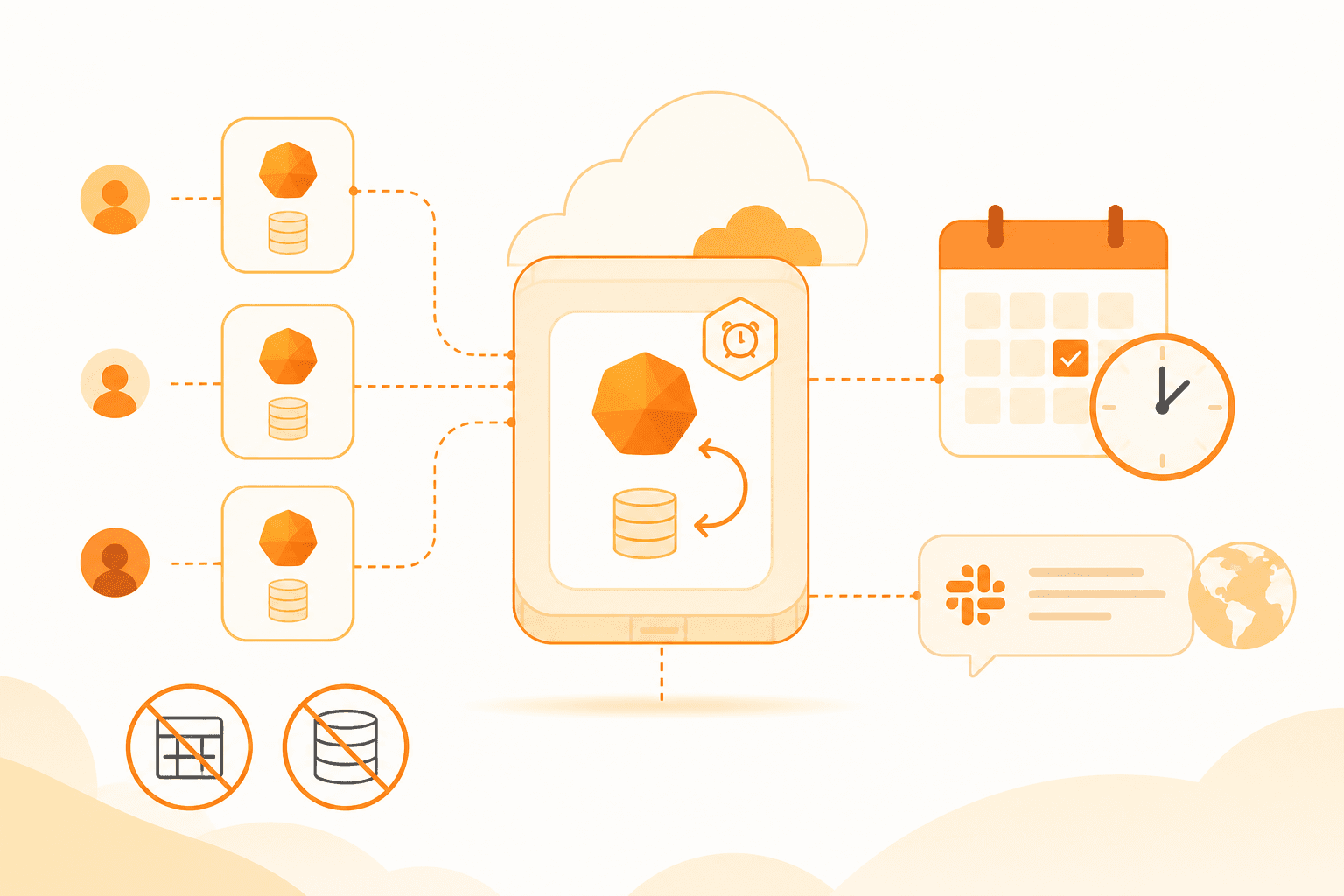
How to schedule weekly tips with Cloudflare Durable Objects and alarms
A per-user Durable Object with a self-rescheduling alarm sends every GitNotifier user one Slack tip every Tuesday at noon in their own timezone. No cron, no user-table scan.