
How to Get GitHub Notifications in Slack Not Truncated
GitHub's native Slack integration and tools like Swarmia truncate comments and strip formatting. GitNotifier lets you disable truncation and receive the full comment, converted to native Slack formatting, so you can read and act without clicking through to GitHub.
If you have ever received a GitHub notification in Slack and had to click through to GitHub just to read the rest of the comment, you have hit the truncation problem. The message is cut off mid-sentence, the code block is missing, and the context you need to act is still sitting over in another tab.
This is a surprisingly common friction point in engineering workflows. The notification arrives. The developer opens it. The content is incomplete. They have to switch context to get the full picture.
It is a small thing, but multiplied across dozens of PR comments and review cycles every week, it adds up to real time lost and real momentum broken.
Why GitHub's native Slack integration truncates
GitHub's official Slack integration sends notifications as short text summaries. Long comments get cut after a character limit, code blocks become unformatted text, and structured Markdown like bullet lists, bold text, or inline code loses all its meaning once it arrives in Slack.
The integration was designed primarily for channel-level awareness: a shared Slack channel where the team can see that activity is happening on a repository. It was not designed for deep readability or personal, actionable alerts.
The result is that a reviewer sees a truncated snippet of a comment, has no idea if there is more context below the cut, and often ends up opening GitHub anyway. The Slack notification became a tap on the shoulder, not the actual message.
Swarmia and similar tools have the same limitation
Swarmia and other GitHub Slack apps that focus on engineering metrics face a similar constraint. Their notification layer is not the primary product. It is a secondary feature sitting alongside dashboards, DORA metrics, developer surveys, and broader platform capabilities.
When notification delivery is a supporting feature rather than the core focus, full content rendering tends not to get the investment it deserves. You get a summary. You get a link. You do not get the actual readable message in Slack.
For small and mid-size teams where every developer is actively watching PR activity, that gap matters. If a teammate leaves a detailed code review comment with a code suggestion, you want to read it where you are, not navigate back to GitHub to parse a wall of Markdown.
GitNotifier sends the full content, converted to Slack formatting
GitNotifier is built with notification quality as the primary design goal. When a teammate or bot leaves a comment on a pull request, GitNotifier can deliver the full content to Slack, with GitHub Markdown converted to native Slack formatting.
By default, comments are trimmed to a short preview to keep notifications compact. To receive the full body, open the Slack App Home (@GitNotifier), go to Feature preview, and turn off Truncate GitHub comments. Once disabled, every comment from anyone arrives in full, human or bot alike.
GitHub Markdown is automatically converted to native Slack formatting before the message is sent:
- Code blocks become properly formatted Slack code snippets you can read without squinting.
- Bold and italic text render as bold and italic in Slack.
- Bullet lists come through as lists, not raw hyphens and asterisks.
- Headings are preserved as structured text.
- Noisy metadata and HTML artifacts are stripped out.

The goal is that when you read a GitNotifier message in Slack, you get the full signal the author intended. No click-through required for basic comprehension.
Bot notifications and AI tools: full content here too
This becomes especially important as AI coding tools like Cursor, GitHub Copilot, and Claude become part of the review workflow. These tools often leave long, structured comments with code suggestions, analysis, and action items. A truncated version of a Cursor Bugbot review is not very useful.
GitNotifier handles bot comments the same way it handles human ones: full content, properly formatted. Bot senders are clearly prefixed so you can tell them apart from human reviewers at a glance, and the message content arrives in full rather than as a link to "view the rest on GitHub."
For Cursor in particular, GitNotifier also includes Fix in Cursor and Fix in Web action buttons directly in the notification, so you can jump straight into the fix without any intermediate steps.
If you want bot comment notifications at all, you can enable them in the Slack App Home under mute settings. By default they are muted to keep the signal-to-noise ratio high, but when you need them, you get the full message.
Better notifications mean fewer context switches
The compounding benefit of full, well-formatted notifications is fewer context switches during the day. If you can read a comment, understand it, and decide to act (or not) all from Slack, you stay in the communication flow instead of bouncing between tabs.
This is one of the reasons teams using Slack pull request notifications with GitNotifier report that reviews feel faster. It is not just that alerts are more targeted. It is also that the content arrives complete enough to be acted on immediately.
If you are looking to reduce PR review time or just want to stop clicking through to GitHub just to read the second half of a comment, the full-content delivery approach is a meaningful difference in the daily experience.
Stop getting truncated GitHub notifications
GitNotifier lets you receive the full content of GitHub comments in Slack, converted to native Slack formatting. Turn off Truncate GitHub comments in Feature preview and every comment arrives in full, no click-through required.
Set it up in minutes and get high-signal, fully readable GitHub notifications directly in your Slack DMs.
Read more
View all articles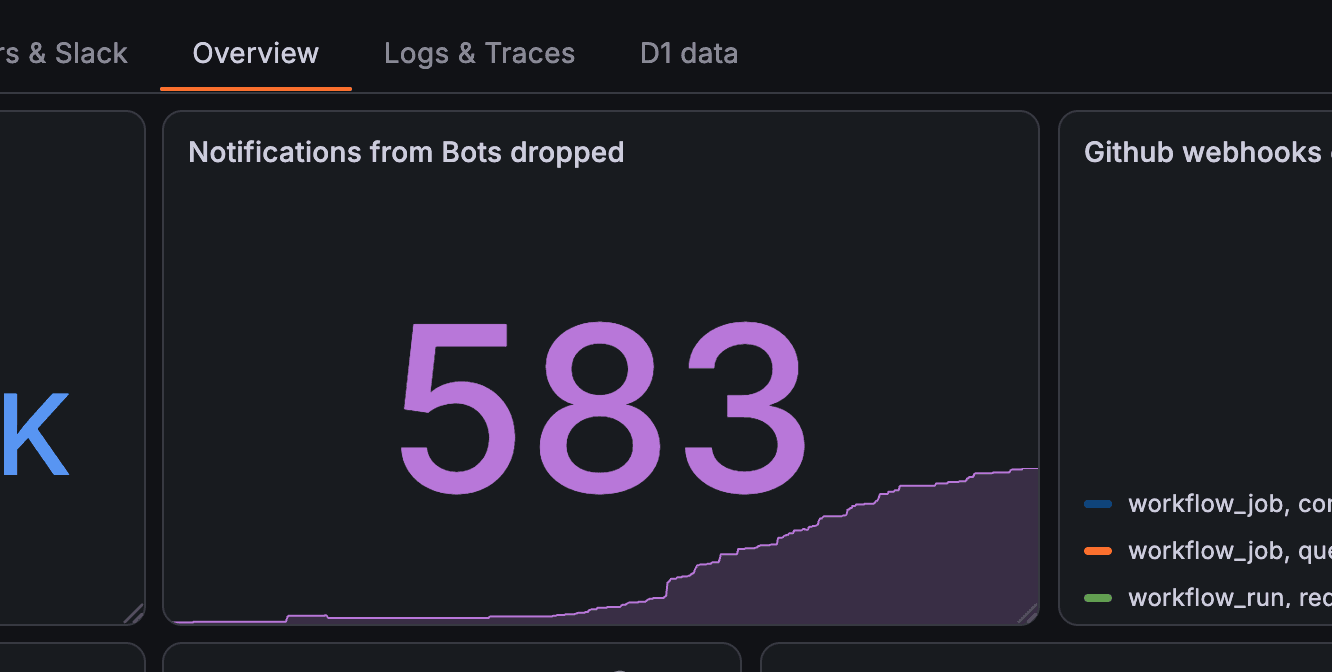
How GitNotifier Drops Bot Comment Spam and Only Sends You Meaningful Notifications
GitHub bots generate massive notification noise. Here is how GitNotifier filters out bot comment spam by default and only delivers the notifications that actually need your attention.
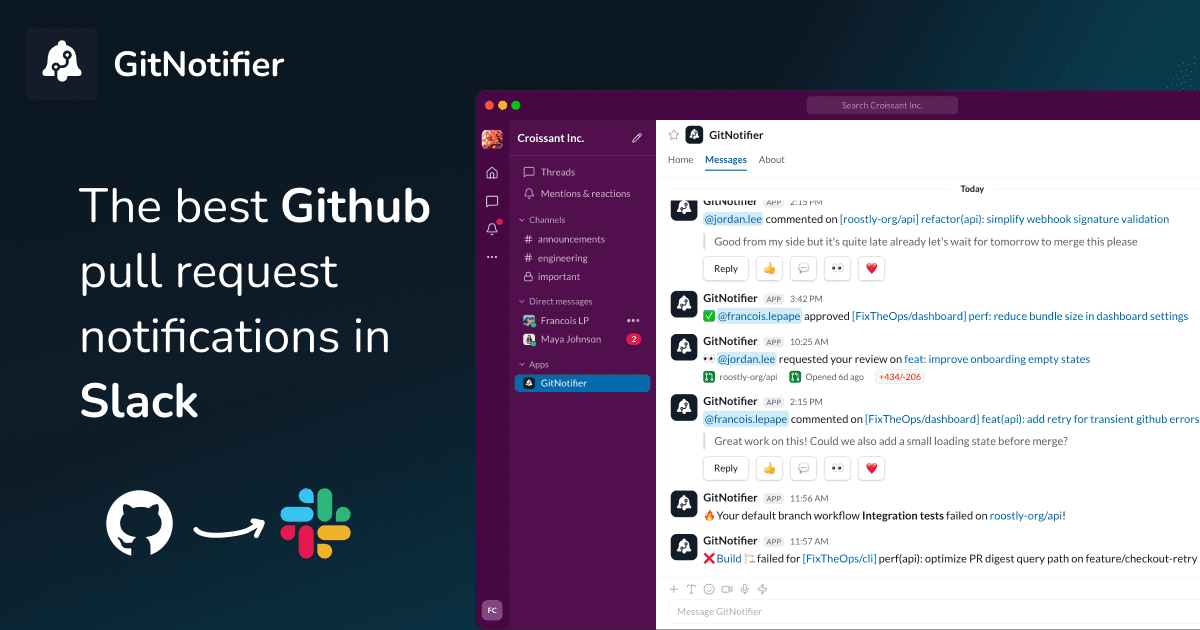
Slack Notifications for GitHub: Every Option Compared (2026)
Compare every way to get Slack notifications for GitHub in 2026: the native app, GitHub Actions webhooks, Axolo, and GitNotifier, with honest tradeoffs for each.
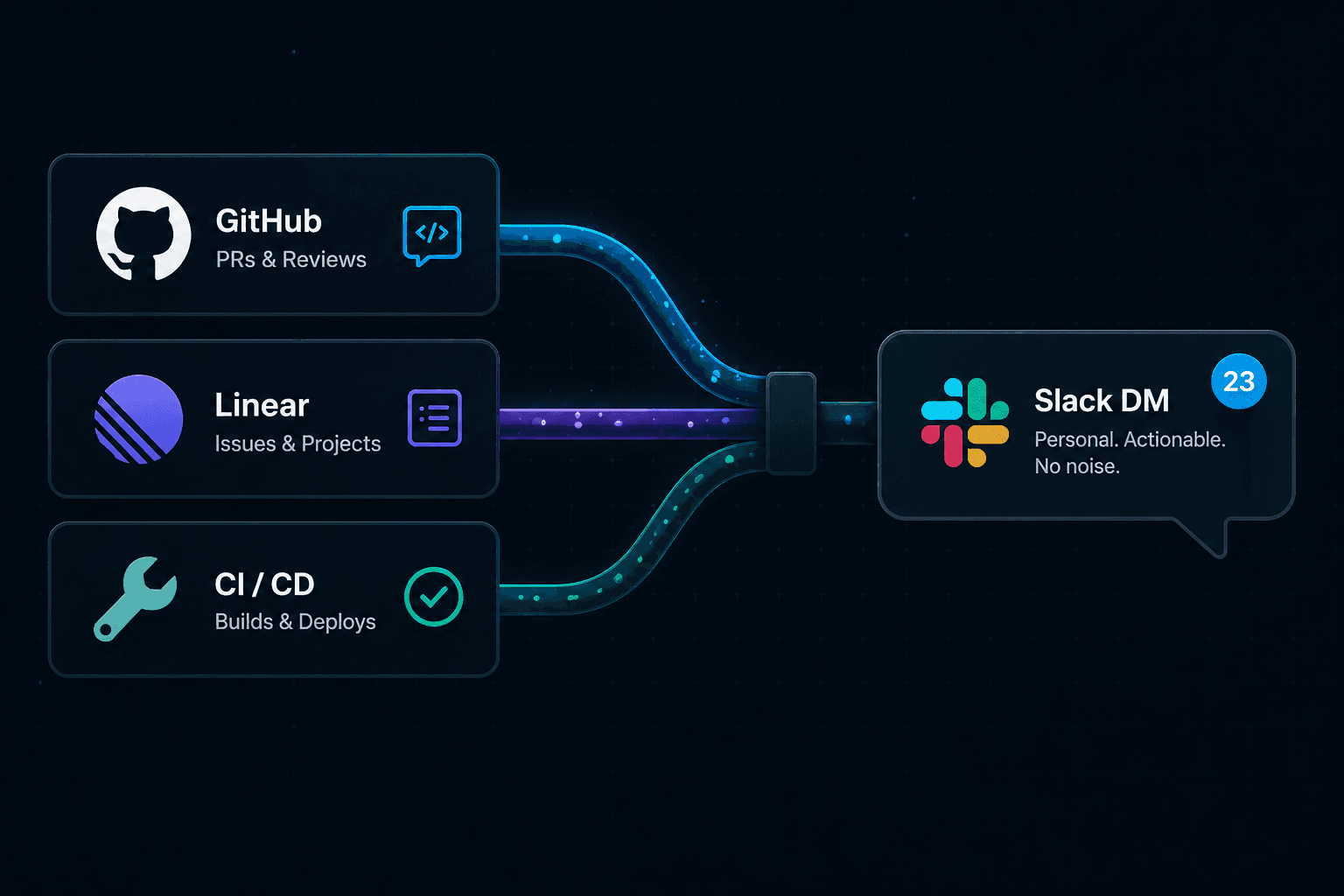
Stop GitHub and Linear Notifications From Overwhelming Slack
GitHub PRs and Linear issues both dump into Slack until nobody reads it. Here is how to stop GitHub and Linear notifications from overwhelming your team's Slack channel.