
How to See Who Added Custom Emojis in Slack
A walkthrough to open Slack's emoji management page and quickly check which custom emojis exist, who added them, and when they were added.
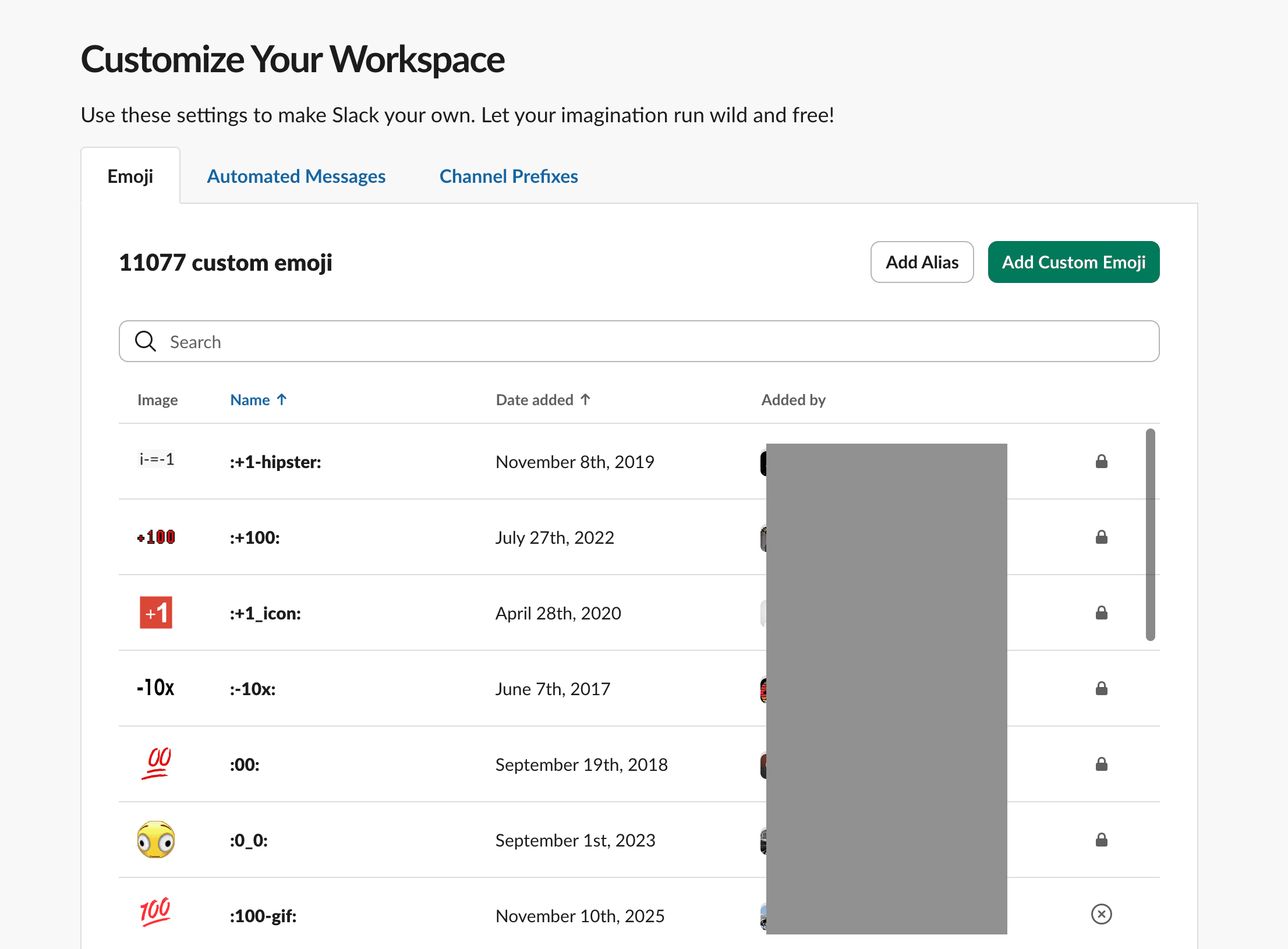
If you ever wondered who added a specific custom emoji (and when), Slack's emoji management page is the place to check.
Build your direct emoji page URL
Use this helper to craft your link quickly. We trim and lowercase the workspace name before generating the URL.
Enter your Slack workspace name and jump straight to the custom emoji management page.
Preview: https://<company>.slack.com/customize/emoji
What to look for on the emoji page
- List of all custom emojis in the workspace.
- Who added each emoji.
- When each emoji was added.
Depending on your role and workspace permissions, some management details can vary. If you can't see full details, ask a workspace owner or admin.
Adding a new emoji yourself
Once you know who added what, you may want to add one of your own. Slack needs a square image under 128KB, so cropping and compressing it by hand across a few tools is annoying. AtelierMojis does the crop, resize, and compression in your browser, free and open source, with nothing ever uploaded. See our full walkthrough on how to add custom emoji in Slack.
Emoji noise is easy. GitHub notification noise is not.
If your team can track down who added an emoji in seconds but still can't tell which Slack pings are an actual review request, that's a bigger noise problem. GitNotifier sends each developer only the GitHub events they need to act on, as a personal Slack DM, so review requests and failed checks never get buried.
Read more
View all articles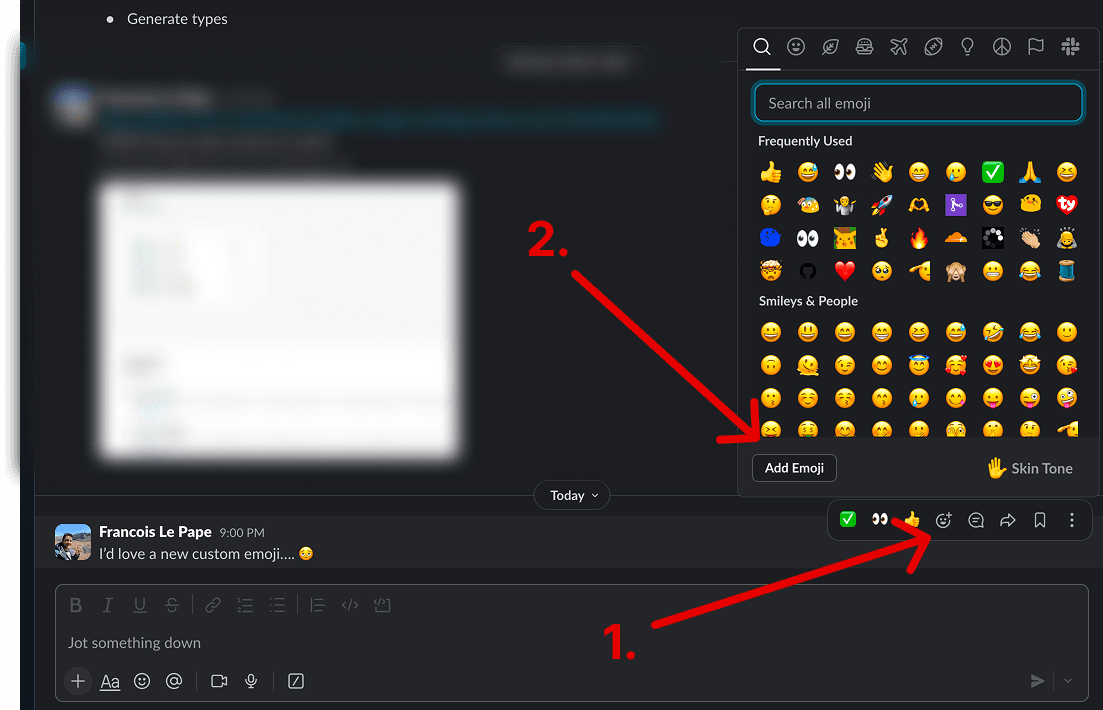
How to Add Custom Emoji in Slack (Step-by-Step)
The exact click path to add custom emoji in Slack on desktop and mobile, upload requirements (size, format, GIF frames), and how to remove one later.
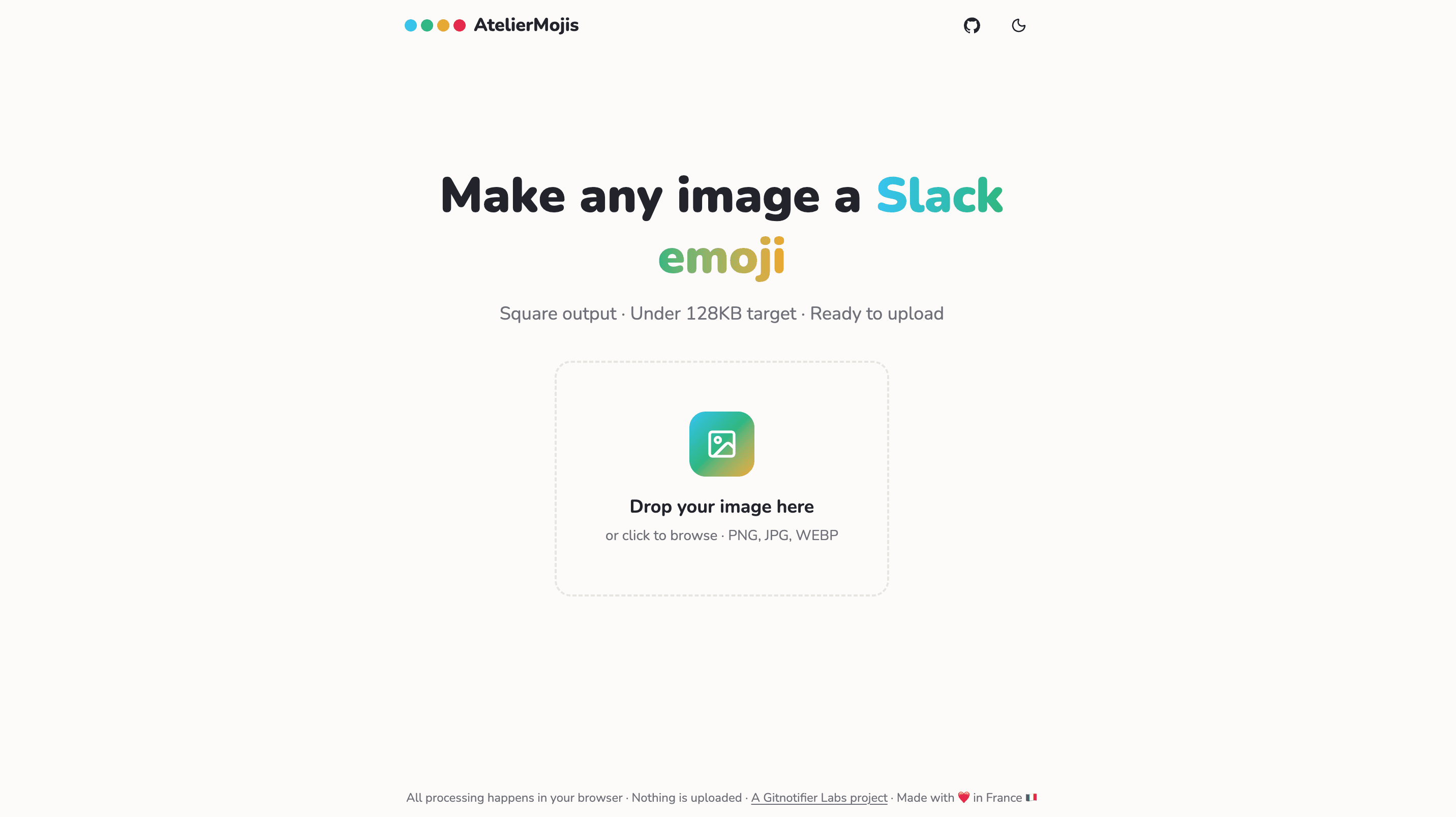
Free Slack Emoji Maker: AtelierMojis
Free Slack emoji maker: drop in any image, get a Slack-ready 128x128 PNG in seconds. No upload, no account. AtelierMojis runs entirely in your browser.
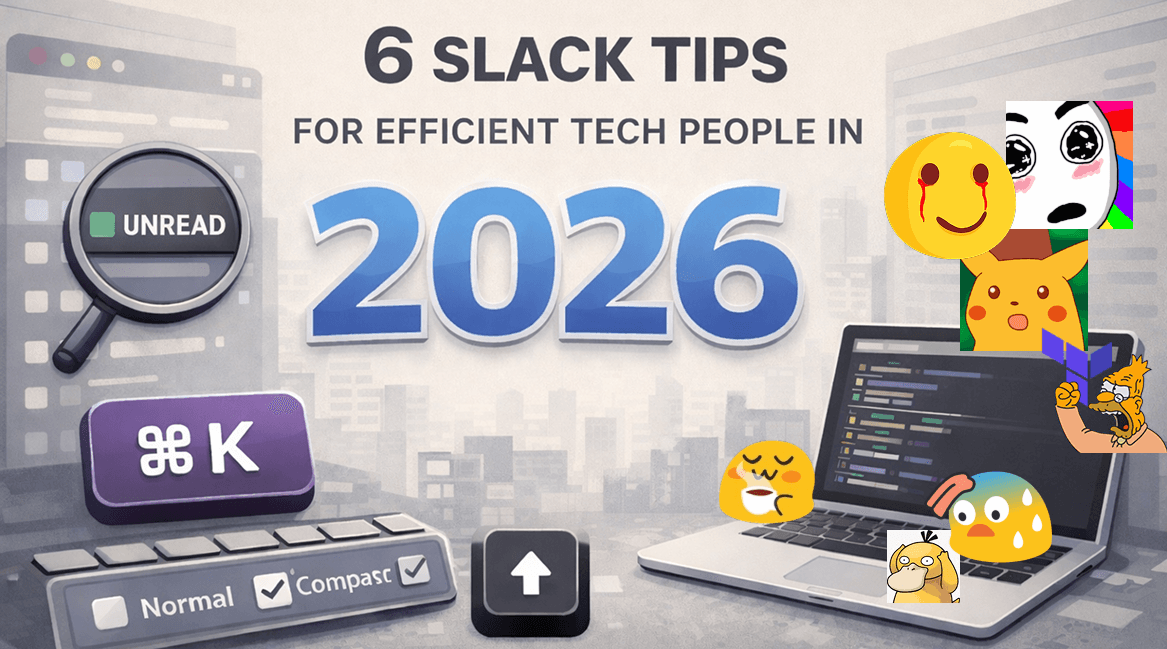
6 Slack Tips for Efficient Tech Teams in 2026
Six practical Slack tips for tech teams in 2026 to reduce context switching, process notifications faster, and keep communication actionable.