
GitHub Actions to Slack: Notify Only on CI Failures
Send GitHub Actions failure alerts to Slack with a reliable condition that runs after failed steps but skips canceled jobs.
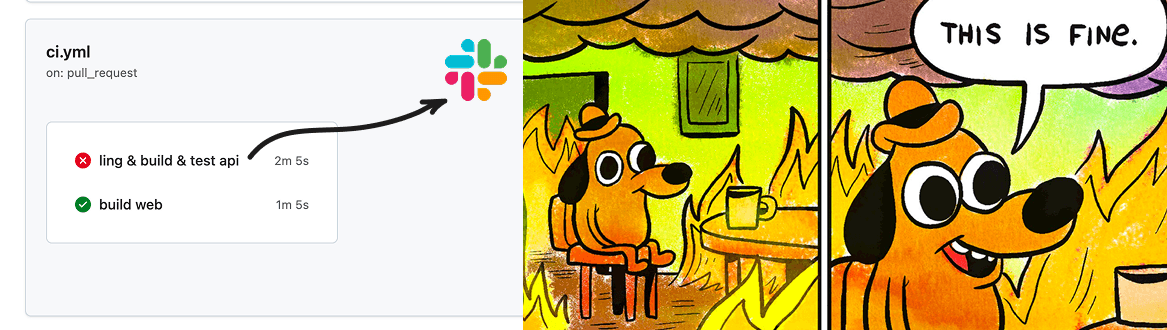
You know, when you merge some code on main, a workflow fails...
...and nobody sees it until a customer or your teammate wonders why the migration did not run.
You can build a simple GitHub Actions Slack notification setup quickly using YAML and clicking in a few places. Or you can use GitHub PR notifications in Slack via GitNotifier for a zero-config alternative.
Step 1: create a Slack incoming webhook
In Slack, create an incoming webhook for the channel where you want CI alerts.
- Go to your Slack app settings and enable Incoming Webhooks.
- Create a webhook and copy the URL.
- Keep it private. Treat it like a credential.
Step 2: save the webhook in GitHub secrets
In your repository, go to Settings -> Secrets and variables -> Actions, then add a new secret named SLACK_WEBHOOK_URL.
Do not hardcode this URL in your workflow file.
Step 3: add this GitHub Action
This uses slackapi/slack-github-action and posts a message only when the job fails.
name: CI with Slack Notification

on:
  push:
    branches: [main]
  pull_request:

jobs:
  test:
    runs-on: ubuntu-latest
    steps:
      - uses: actions/checkout@v4

      - name: Run tests
        run: |
          echo "Run your test command here"
          # pnpm test

      - name: Notify Slack on failure
        if: failure()
        uses: slackapi/[email protected]
        with:
          payload: |
            {
              "text": "*${{ github.repository }}* - `${{ github.workflow }}` #${{ github.run_number }}\nStatus: *${{ job.status }}*\nBranch: `${{ github.ref_name }}`\nCommit: <${{ github.server_url }}/${{ github.repository }}/commit/${{ github.sha }}|${{ github.sha }}>"
            }
        env:
          SLACK_WEBHOOK_URL: ${{ secrets.SLACK_WEBHOOK_URL }}
          SLACK_WEBHOOK_TYPE: INCOMING_WEBHOOK
A few practical notes
- Use
if: failure()when you only want Slack alerts for failed jobs. - If you want to run the step on both success and failure (but not on canceled jobs), use
if: success() || failure(). - Avoid
always()here because it also runs when the job is manually canceled. - Keep messages short: status, branch, and a run or commit link.
- If the channel gets noisy, route by workflow (deploy alerts in one channel, test failures in another).
- For richer formatting (blocks, threads, user mentions), keep using the same action and evolve the payload.
Manual approach limits
- You have to repeat it for each repo, workflow, and job.
- It is manual to set up and maintain.
- You might forget one repository and miss critical alerts.
- You need secrets configured everywhere.
- Teams often need different webhook URLs and channels. In one repo, infra pipeline alerts may belong to one Slack channel while product pipeline alerts belong to another.
If you want to compare this approach against GitHub Slack apps that cover PR review notifications too, see every Slack notification option for GitHub compared.
Stop wiring Slack alerts by hand in every pipeline. Give GitNotifier a try for free.
GitNotifier is super easy to install: connect 1 GitHub App and 1 Slack App, then your team gets notifications across repositories without copy-pasting YAML or wiring secrets in every project.
You get much more than CI failure alerts: pull request notifications, comments, replies, and the ability to react to comments directly from Slack. Learn how teams reduce PR review time with Slack alerts.
Read more
View all articles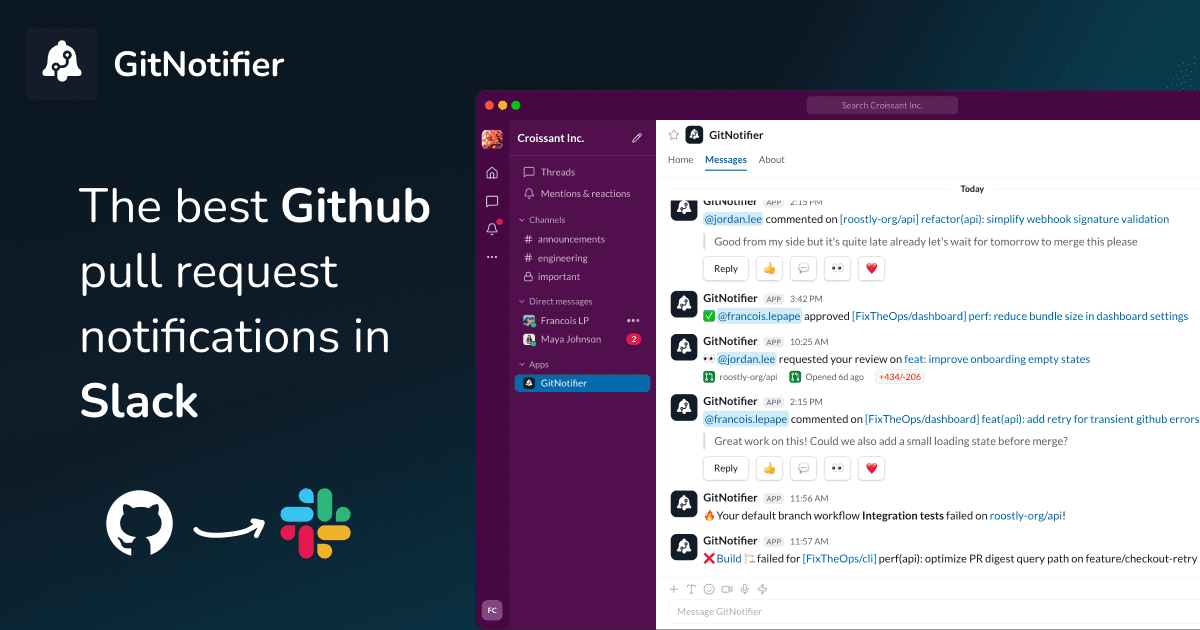
Slack Notifications for GitHub: Every Option Compared (2026)
Compare every way to get Slack notifications for GitHub in 2026: the native app, GitHub Actions webhooks, Axolo, and GitNotifier, with honest tradeoffs for each.
How to Get GitHub Notifications in Slack (3 Ways)
Learn how to get GitHub notifications in Slack three ways: the native GitHub Slack app, GitHub Actions webhooks, and personal PR alerts with GitNotifier.
How to Set Up GitHub Scheduled Reminders (and Where They Fall Short)
Set up GitHub scheduled reminders for pull request reviews in Slack, personal and team, then see the five-repo limit and a better daily digest.